
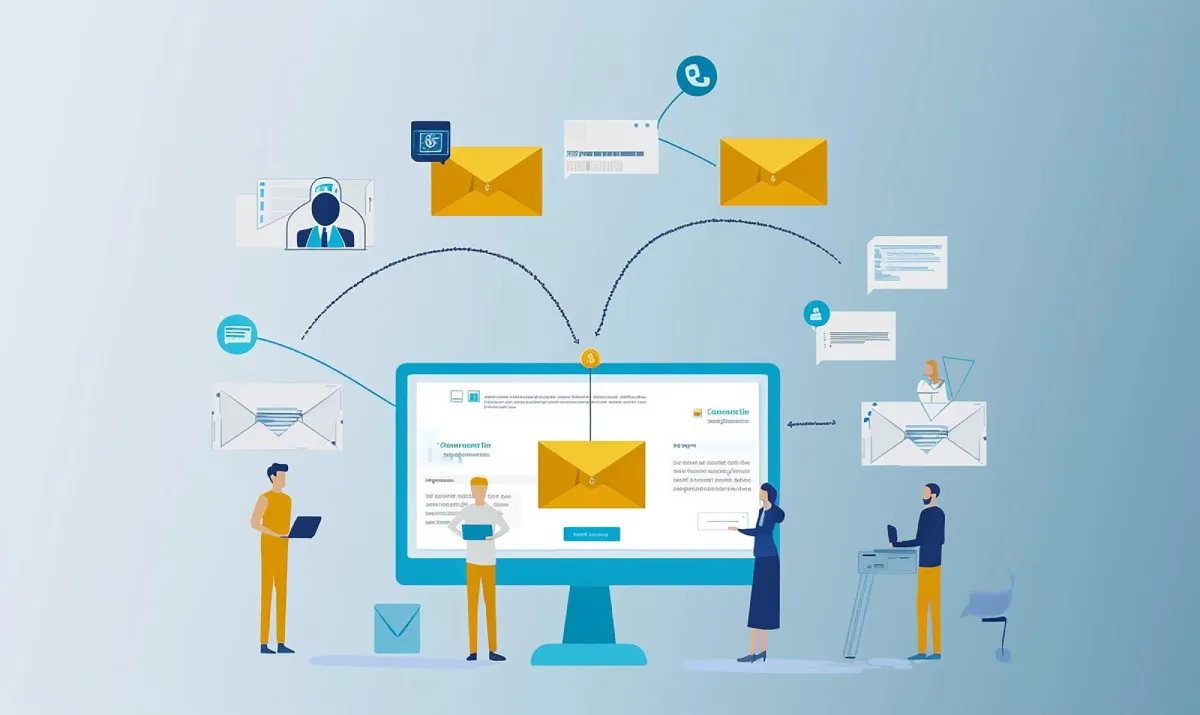
HubSpot Direct Mail Integration: A Practical Guide for Marketers
A revenue operations manager can now trigger a personalized postcard from a HubSpot workflow and watch the USPS delivery scan land on the contact timeline two days later. No CSV exports, no print vendor calls, and no guessing about delivery.
That is direct mail automation in 2026, and it turns a manual channel into a trackable CRM action.
Email open rates are less useful because Apple Mail Privacy Protection inflates them. Paid media costs keep rising. Meanwhile, 74% of marketers say direct mail delivers the best ROI, response, and conversion rates among the channels they use, according to Lob’s 2023 State of Direct Mail report.
For most B2B teams, the smartest first move is a 30 to 90 day pilot tied to one workflow, one audience, and a clean measurement plan.
Key Takeaways
The strongest direct mail programs behave like digital campaigns, with workflow triggers, delivery data, and clear attribution.
- Direct mail is measurable again.USPS scan data lets teams time follow-up around actual delivery.
- HubSpot can trigger one-to-one mail.Workflow actions can send postcards or letters and write events back to the timeline.
- Platform choice matters.Prioritize piece-level tracking, matchback attribution, and no minimum sends.
- Start with high-timing use cases.Account-based marketing, trial conversion, renewal risk, and reactivation are strong first plays.
- Measure it like digital.Use HubSpot Campaigns, QR codes, personalized URLs, offline conversions, and holdout tests.
Why Direct Mail Is Back as a Measurable Channel
Direct mail works again because marketers can trigger it from the stack, track delivery scans, and tie responses to revenue. Broader SEO and digital marketing coverage on multi-channel growth tracks the same shift across other parts of the modern marketing stack, where teams getting the strongest pipeline outcomes treat once-traditional channels as integrated components of a connected digital strategy rather than standalone tactics.
Apple’s Mail Privacy Protection distorts a large share of email open data, as Litmus has documented. Clicks, form fills, meetings, and revenue are safer metrics now.
USPS Informed Visibility Mail Tracking and Reporting provides piece-level scan events as mail moves through the system. That gives teams near real-time delivery signals they can use to time email, paid retargeting, and sales follow-up around the actual mailbox moment.
USPS Delivers also recommends pairing mail with QR codes and a personalized URL, or PURL. Those visits send recipients to tagged landing pages, which lets HubSpot connect sessions, conversions, and deals back to the campaign.
Testing is easier now because direct mail automation platforms can support no minimum sends. Instead of buying a 10,000-piece print run, you can mail 50 or 200 contacts, learn, and adjust next week.
The old rules treated direct mail as a one-off print project that lived outside the marketing stack. The new rules treat it as another CRM-triggered touch with delivery data, response paths, and pipeline contribution. Marketers who still talk about ‘mail drops’ are working on yesterday’s playbook.
How HubSpot Workflows Trigger Mail From CRM Data
HubSpot workflows can send mail automatically when a contact, company, or deal hits a rule you define.
Platforms such as Postalytics, the creators of the direct mail automation category, connect workflow actions to one-to-one postcards or letters, write delivery events back to the contact timeline, and give teams a practical way to coordinate sending, delivery visibility, and sales follow-up inside the CRM for unsubscribed or unresponsive leads who will not see another nurture email. In that setup, Hubspot direct mail lets marketing and sales act on workflow rules without adding manual print steps.
A practical build looks like this:
- Confirm data:Make sure street, city, state, and ZIP fields are complete, then create properties for Mailed Date, Mail Campaign, and Holdout Flag.
- Build segments:Use active lists such as Unengaged 90 Days, Tier-1 Accounts, or Trials at Day 7.
- Trigger the send:Add the app or webhook action and map Contact ID, name, address, creative ID, and UTM set.
- Handle errors:Retry failures, stamp Mailed Date on success, and create a sales development rep (SDR) task timed to expected delivery.
- Quality-check the flow:Send to internal seed addresses across several ZIP codes, validate scans and timeline events, and keep a Boolean safety switch to pause sends.
Start with timing-sensitive plays: 90-day inactivity, evaluation-stage deals stalled for three weeks, event follow-up 48 hours after badge scans, or renewal risk when usage drops.
What Features Matter Most in 2026
In 2026, the best platforms win on instrumentation, control, and speed, not on print gloss.
Piece-Level Tracking: Look for USPS Informed Visibility integration, per-piece scan events on the contact record, delivery-based triggers, and return-to-sender handling. If the platform cannot tell you when a specific piece moved, measurement will stay fuzzy.
Matchback Attribution: Matchback attribution links responders or revenue back to the delivered mail audience, even when the person converts through another channel. Use delivery-date windows, dedupe against direct digital responses, and treat matchback as supporting evidence, not the only proof.
No Minimum Sends: Micro-batches of 50 to 200 contacts let you test segments, offers, and creative without a large commitment. Confirm per-piece pricing, production service-level agreements, and postage assumptions before launch.
B2B Readiness: Check for CASS and NCOA, USPS address-standardization and change-of-address checks, plus variable data personalization, support for contact, company, and deal workflows, and security features such as single sign-on and audit trails.
Production Network and Pricing Transparency: Modern direct mail automation platforms operate distributed production networks across the US and Canada, which means faster SLA printing and shorter delivery windows than legacy print vendors. Look for transparent per-piece pricing or direct mail credit models that make budgeting predictable across small and large sends, plus API and SDK access for agencies running multi-tenant or white-label programs.
B2B and SaaS Use Cases to Launch This Quarter
The best first campaigns target moments where a physical touch can change behavior faster than another email.
- Account-Based Marketing Door-Openers:Trigger when an account has two engaged contacts but no meeting. Mail an account executive letter with a QR code to a booking page, then compare meetings and influence opportunities against a holdout group.
- Trial-to-Paid Nudges:Trigger on day 7 when a free trial has not reached a key activation event. Mail a postcard with a feature checklist, onboarding QR code, and limited offer, then measure activation and paid conversion after delivery.
- Renewal Risk Saves:Trigger when usage drops or health scores fall. Mail a short customer success letter offering a value review, and measure churn reduction or saved expansion revenue.
- Dormant Account Reactivation:Trigger after 120 days of no product usage or campaign engagement. Mail a postcard that highlights a new feature or service update, and measure re-logins, demos, or reopened pipeline.
How to Measure Direct Mail ROI Next to Digital
Direct mail ROI gets credible when you measure from delivery date, tag every response path, and keep a control group.
Tracking Setup: Create a HubSpot Campaign for each mail wave and add UTM parameters to every QR code and destination page. Store each recipient’s personalized URL in HubSpot, and send qualified lifecycle stages back to Google Ads as offline conversions so paid bidding can optimize the pipeline.
Attribution Layers: Treat QR scans, PURL visits, and promo code redemptions as direct response. Use HubSpot’s multi-touch attribution reports to compare first-touch, linear, and W-shaped views, then run matchback on delivered audiences to measure influence across paid, organic, email, and sales outreach.
Holdout Testing: Randomize a control group inside the segment before you mail. The lift between mailed and control cohorts is the clearest way to estimate incremental pipeline and revenue.
Common Mistakes: Do not base attribution windows on send date when delivery data is available. Run address hygiene before every drop, and add governance rules plus a workflow kill switch before you scale volume.
Conclusion
Connected to HubSpot, direct mail becomes a high-signal channel instead of a batch print project.
Start with one segment, one creative, and one 30-day test window. If delivery events, response paths, and lift read cleanly, you have a repeatable play that deserves a budget next to email, paid media, and organic demand generation.
Frequently Asked Questions
These four questions come up first when teams move mail into a modern CRM workflow.
What Is the Minimum Volume to Start Testing Direct Mail From HubSpot?
Look for providers that support true one-to-one sends and small batches, so you can start with 50 to 200 pieces. That is enough to validate operations, creative, and early response before you expand.
How Fast Will a Triggered Mailer Reach the Mailbox?
Production is usually the same day or next day after the workflow fires, then delivery depends on mail class and destination. USPS scan events give you a better follow-up signal than a fixed in-home estimate.
How Do You Keep Attribution Clean Across Multiple Channels?
Treat QR scans, PURL visits, and code redemptions as direct response, then use matchback and multi-touch reports for influence. A permanent holdout group keeps the final readout honest.
What About Compliance and Data Privacy for Physical Addresses?
Use first-party CRM data, honor internal suppression rules and opt-outs, and avoid sensitive segments that legal has not approved. Your provider should support access controls, single sign-on, and audit logs.


Leave a Reply