

A Practical Guide to Using AI Tools in Your Job Search
The modern job search has a volume problem. A single LinkedIn posting can attract several hundred applications within 48 hours. Applicant tracking systems filter candidates before any human reviews their documents. And the manual process of customizing resumes, writing cover letters, and tracking applications across multiple platforms consumes hours that most professionals simply don’t have.
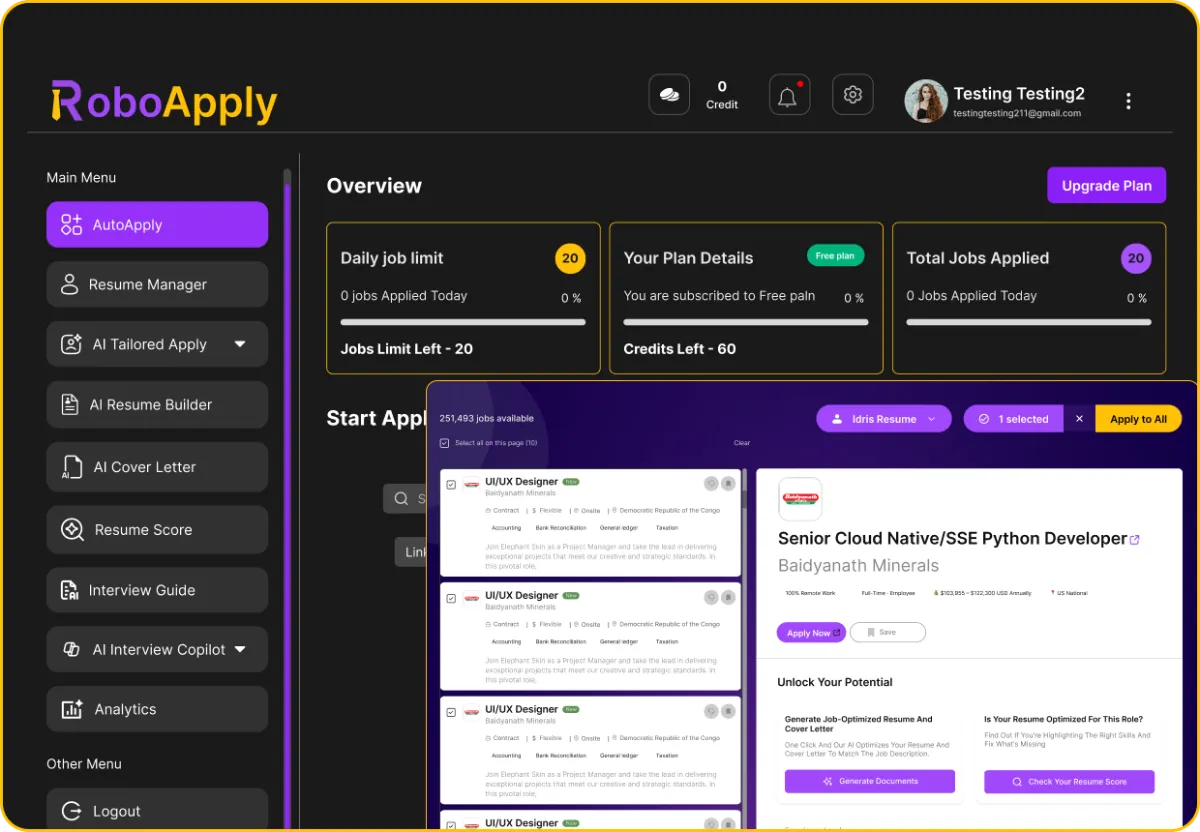
AI tools for job search exist specifically to solve these problems. Tools like RoboApply AI Auto Apply handle resume customization, job matching, and application submission automatically, freeing job seekers to focus on the parts of the process that require genuine human judgment, like evaluating opportunities and preparing for interviews.
This guide walks through the full workflow in five practical steps.
Step 1: Optimizing Your Resume With AI
The resume is the first filter in almost every hiring process. Before any human reads it, an applicant tracking system parses the text and scores it against the job description. According to research from Jobscan, over 75% of resumes are eliminated at this stage, usually because of keyword gaps or formatting issues that have nothing to do with the candidate’s actual qualifications.
AI resume optimization tools address this by analyzing a target job description and comparing it against your resume in real time. They identify missing keywords, flag formatting problems that cause parsing errors, and suggest rewrites for experience bullets that are too vague or too generic to score well.
A few habits that consistently improve ATS performance when using AI resume tools:
- Start with a complete, specific base resume. Include quantified accomplishments, named tools and platforms, and concrete outcomes rather than general responsibility descriptions.
- Run your resume against multiple job descriptions, not just one. Patterns in what’s consistently missing point toward gaps worth addressing in the base document.
- Use standard section headings. ATS systems look for recognizable labels like Experience, Education, and Skills. Creative headings cause parsing failures regardless of content quality.
- Submit in the format the employer requests. Some ATS platforms handle PDFs and Word documents differently, and one format may parse more reliably than the other depending on the system.
Step 2: Identifying the Right Job Listings Automatically
Manual job board searching is slow and inconsistent. Checking LinkedIn, Indeed, ZipRecruiter, and specialized boards individually every day consumes time and still produces incomplete coverage because new postings appear continuously throughout the day.
AI job matching tools solve this by scanning multiple platforms simultaneously based on your configured preferences. You set your target job titles, location or remote parameters, salary range, and preferred industries once. The platform monitors all connected boards continuously and surfaces postings that match as they appear, rather than waiting for your next manual check.
The quality of your targeting configuration directly affects the quality of matches the system produces. A realistic salary filter keeps your pipeline focused on roles that can deliver the outcome you’re actually pursuing. Industry filters prevent the system from surfacing roles in sectors where your background isn’t relevant.
Step 3: Auto-Applying to Multiple Positions at Once
This is where AI tools for job search produce the largest productivity gain. The auto-apply step removes the manual form-filling, cover letter writing, and multi-platform submission management that consumes the majority of job search time.
Here’s how the automated application workflow operates in practice:
- The platform reads the full job description for each matched posting and identifies the specific keywords, required skills, and role language the employer is prioritizing.
- It rewrites the relevant sections of your resume to align with that specific role, improving ATS keyword match without altering your actual experience.
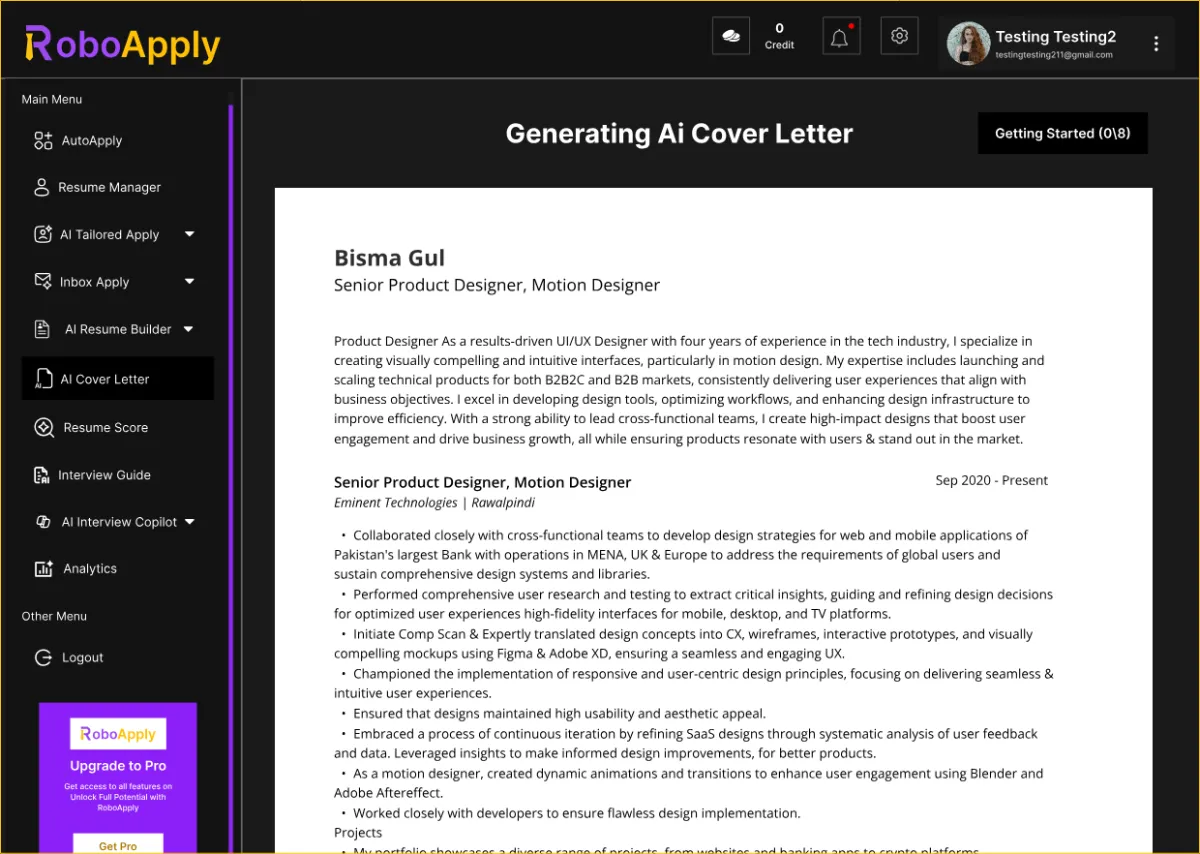
- A cover letter is generated using your real background as source material, connected directly to the requirements of that posting.
- The complete application is submitted across LinkedIn, Indeed, ZipRecruiter, Monster, Dice, Simply Hired, and other supported boards automatically.
Each cycle runs in seconds. Over the course of a week, a well-configured auto-apply workflow produces 50 to 100 submitted applications without the 20-to-40-minute-per-role time cost of doing it manually. The customization component is what separates this from mass-applying the same static resume everywhere, which produces poor results regardless of volume.
RoboApply AI Auto Apply covers Steps 2 and 3 within a single platform, running continuous job board scans, generating customized applications for each match, and submitting everything automatically while logging every result in a centralized dashboard.
Step 4: Tracking Your Applications in One Place
Applying at volume without tracking results is a missed opportunity. When applications go out across multiple platforms simultaneously, knowing which roles are active, which have received responses, and which need follow-up becomes impossible to manage from memory.
A centralized application dashboard solves this by logging every submission automatically with timestamps, platform, role title, and response status. The data this produces is genuinely useful for improving your search over time.
Here’s what to review weekly from your tracking dashboard:
- Response rate by job title. If certain titles are generating callbacks while others aren’t, that points toward positioning adjustments worth making.
- Response rate by platform. Some job boards produce better results for specific role types and industries. Knowing which platforms are working for your profile helps you allocate effort more effectively.
- Time from submission to first contact. Shorter response windows often indicate stronger job description alignment. Longer windows may suggest the resume language needs adjustment for that role type.
- Follow-up timing. Applications that haven’t received a response after seven to ten days are worth a brief, professional follow-up to keep your name visible.
Step 5: Using AI to Prepare for Interviews
Landing interviews is the first milestone. Converting them is the second, and it requires different preparation than the application stage. AI interview preparation tools compress the prep timeline by generating role-specific practice questions based on the job description and your resume, then evaluating your responses and providing structured feedback.
The most useful features in this category include role-specific question generation that reflects the actual responsibilities of the posting rather than generic behavioral questions, real-time feedback on clarity, structure, and filler word usage during practice sessions, and performance tracking that shows improvement over multiple practice rounds.
Consistent practice with AI feedback before each interview, even just 30 to 45 minutes per role, produces meaningfully better performance than going in cold. The candidates who convert the most interviews into offers tend to have both a full pipeline from automated applying and a disciplined preparation routine for each conversation that pipeline generates.
Frequently Asked Questions
What do AI tools for job search actually do?
They automate resume optimization, job matching, application submission, and interview preparation so job seekers can apply smarter at higher volume.
Do AI tools customize each application or send the same resume everywhere?
Quality platforms rewrite your resume and cover letter for each specific job description rather than submitting one static document repeatedly.
How long does it take to set up an AI job search workflow?
Most platforms require 20 to 30 minutes of initial setup covering resume upload, profile completion, and job preference configuration before automation begins.
Will applying to many jobs with AI tools hurt your professional reputation?
No. Employers evaluate the application they receive, not the method used to prepare or submit it. Broad, well-targeted applying is standard practice.
Which step in the job search benefits most from AI assistance?
The auto-apply step produces the largest time savings. ATS optimization and interview preparation each produce the largest quality improvements at their respective stages.


Leave a Reply