
The Logo is one of the most essential elements of any website. It represents your brand’s identity and helps users recognize your business instantly. The Porto Logo Element is designed to display the logo you’ve set in the Theme Options, and it's used exclusively within Header Blocks in the Porto theme.
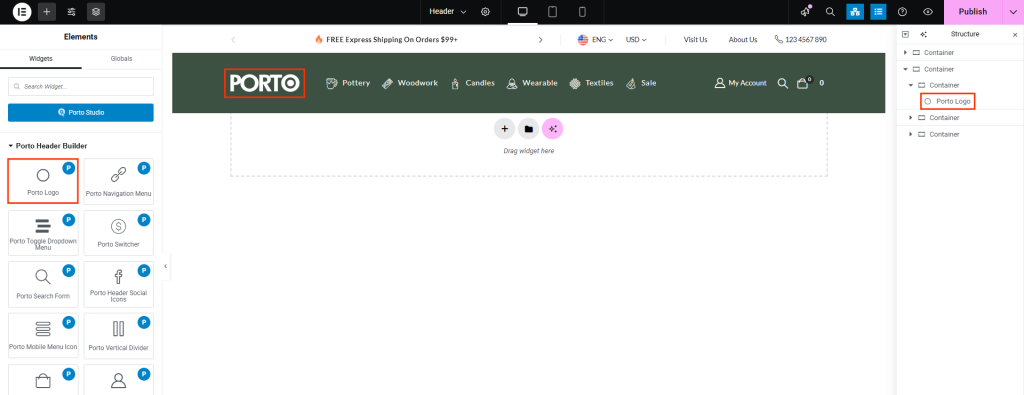
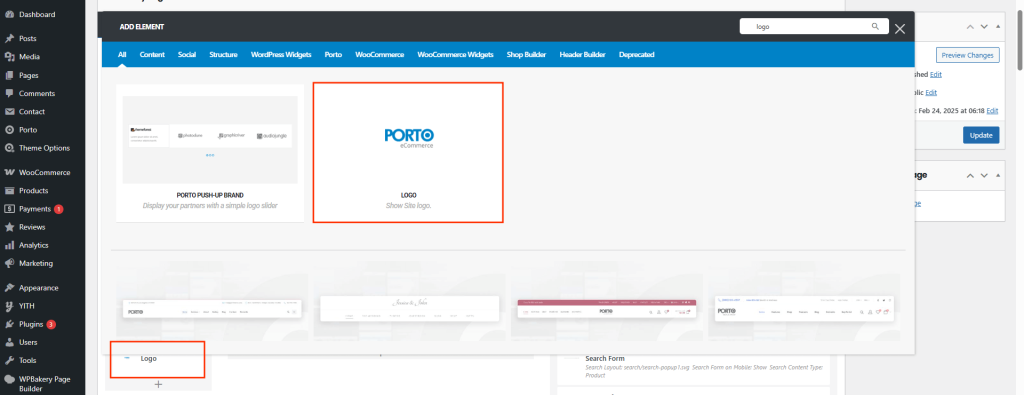
How to Use the Porto Logo Element
- Choose a Column
Open or create a Header Block and select the column where you'd like to insert the logo. - Add the Logo Element
Click on “Add New Element”, then select “Porto Logo” from the list of available elements. - Configure the Element
Adjust the placement and alignment to fit your header layout. You can also customize its behavior or styling. - Save Your Changes
Once you're satisfied with the configuration, click “Save” and then “Update” your Header Block to apply changes.
Best Practices
Use a high-resolution .png or .svg logo with transparent background for retina displays.

