
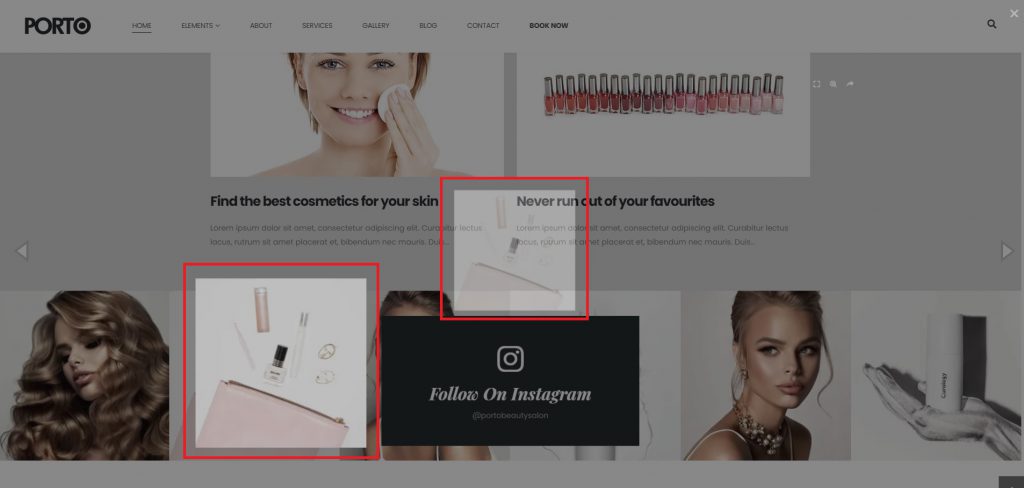
Elementor Page Builder includes a built-in Image Lightbox feature. Porto also provides its own Lightbox functionality in elements such as the Image Gallery widget. When both Lightbox features are enabled at the same time, images may open twice or behave unexpectedly. To prevent this duplicated lightbox, we should disable Lightbox one of them.
This is custom heading element
In this case, it is recommended to turn off Elementor’s Lightbox.
- Open the page in Elementor Editor
- Select the Image or Image Gallery element
- In the Content tab, locate the Lightbox option
- Set Lightbox to No
- Update the page
Once disabled, Porto’s Lightbox will work correctly without duplication.

Notes
- This approach avoids conflicts without doing disable Porto’s built-in Lightbox features
- Applies only to elements where Elementor’s Lightbox is enabled
- No global settings need to be changed
