
The Porto Post Navigation element adds Previous and Next post links to single post layouts. It improves content flow by allowing visitors to move easily between posts without returning to archive pages. This element is designed for use inside Porto Single Post Builder templates and dynamically updates based on the current post.
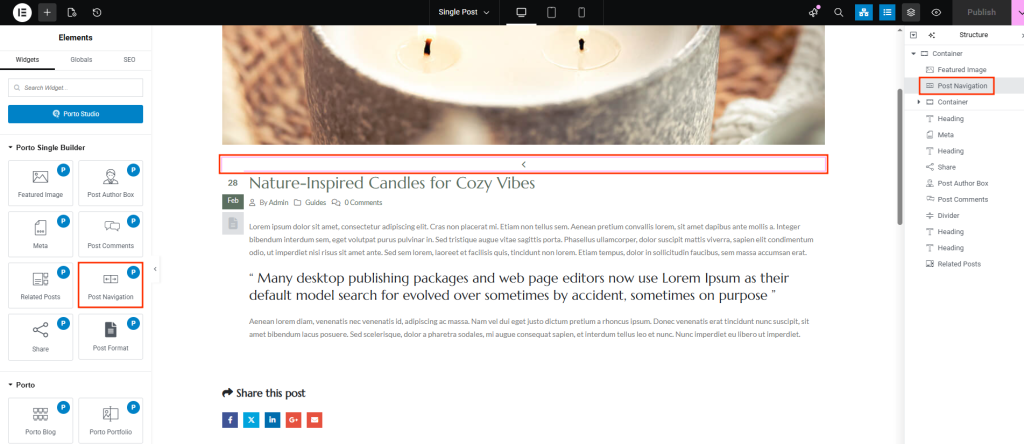
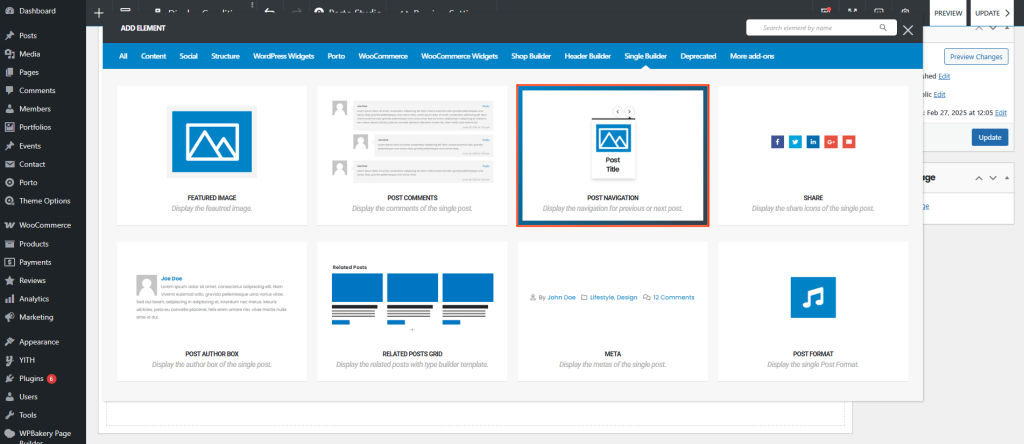
How the Post Navigation Element Works
Once added, the element automatically:
- Displays links to the previous and next posts
- Follows WordPress post ordering rules
- Updates dynamically for each post
- Requires no manual query configuration
Post Navigation Options
All available options are configured directly within the element settings.
| Option | Description |
|---|---|
| Alignment | Controls horizontal alignment of navigation links (Left, Center, Right). |
| Navigation Spacing | Sets spacing between the Previous and Next navigation items. |
| Preview Icon | Selects the icon used for the Previous Post link. |
| Next Icon | Selects the icon used for the Next Post link. |
| Typography | Controls font family, size, weight, line height, and letter spacing for navigation text. |
| Color | Sets the default color of navigation text and icons. |
| Hover Color | Defines the color applied when users hover over navigation links. |
Usage Notes
- Navigation is generated automatically based on post order
- Styling options apply to both text and icons
- Fully responsive across desktop, tablet, and mobile
- Works seamlessly with any post type that supports navigation
Best Practices
- Place the Post Navigation element near the end of post content
- Use directional icons to clearly indicate navigation flow
- Apply hover colors to enhance interactivity
- Combine with Porto Related Posts to strengthen internal linking
