
The Sticky Sidebar feature in the Porto WordPress theme allows your sidebar content to remain visible while the user scrolls the page. This improves usability—especially on long product or blog pages—by keeping filters, widgets, or navigation items easily accessible at all times.
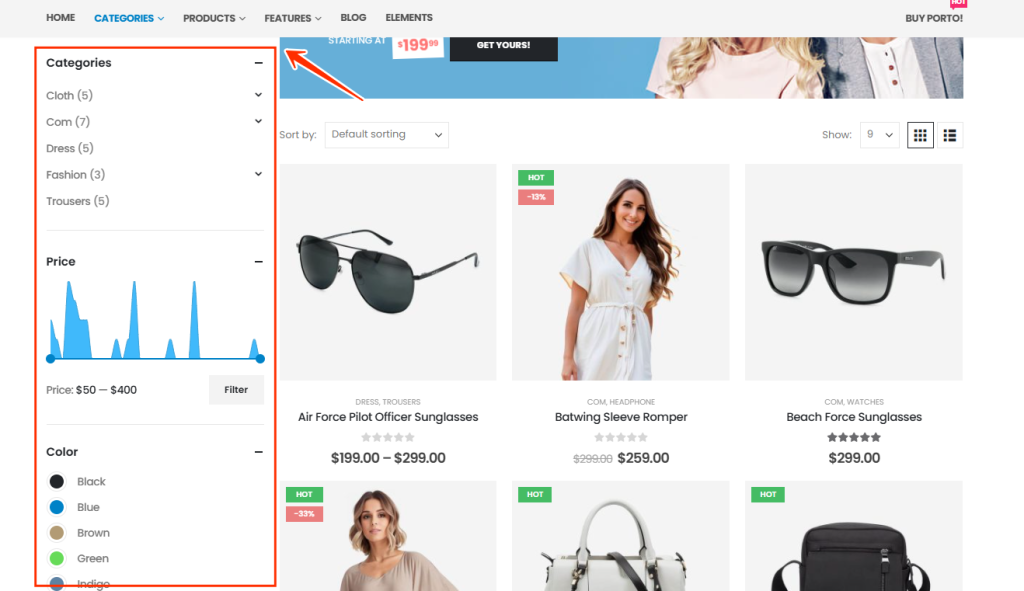
How to Enable the Sticky Sidebar
Follow the steps below to turn on the sticky sidebar in your Porto-powered site:
- Navigate to your WordPress dashboard.
- Go to Porto → Theme Options → General
- Enable the option Enable Sticky Sidebar
Once enabled, your sidebar will automatically become sticky across compatible layouts.
How the Sticky Sidebar Works
The sticky sidebar script ensures that the sidebar stays visible while the user scrolls the main content area. It intelligently calculates available space and prevents overlap with your footer, header, or floating elements.
You can see practical examples of the sticky sidebar in action by visiting the Porto Shop Demos, where product filters and widgets remain fixed during scrolling. These demos demonstrate how the feature enhances user experience on ecommerce layouts.
